
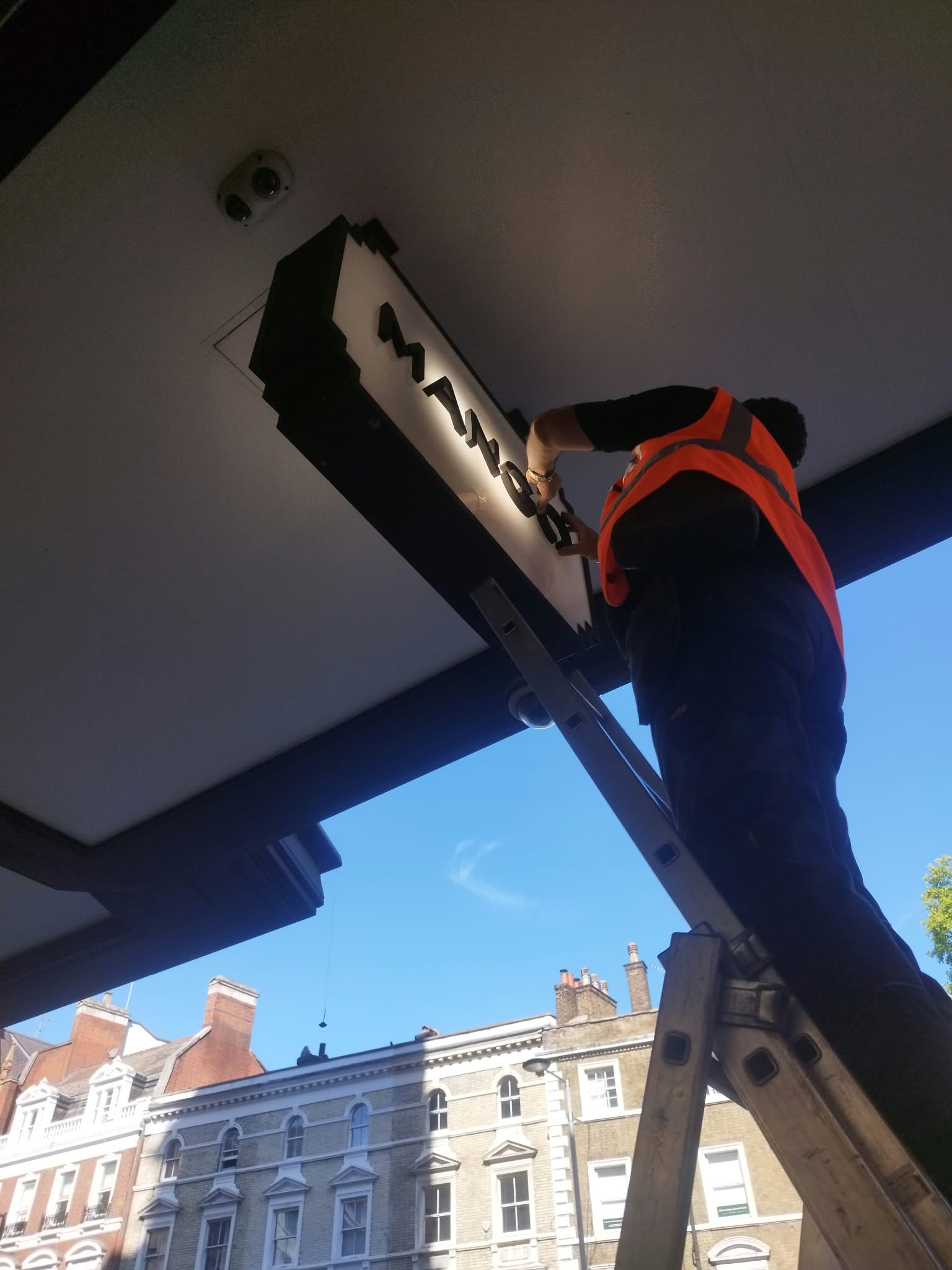
A technical visit affects far more than a single installation. You need to plan who will open the store, how the supplier will access it, which area they will need to use, and whether the work can coincide with customer service.
When these details are left unresolved, store teams end up sorting them out on the spot. A planned visit can turn into a series of calls, delays and schedule changes.
Coordinating maintenance around trading activity starts with understanding what each store needs and preparing the visit before the technician arrives.

1. Prioritise by impact on the store
Incidents need to be assessed based on where they occur and how they affect the operation of the store.
A fault affecting an entrance, a supply issue or an installation posing a risk calls for a different response from a defect that still allows normal trading.
To prioritise work, record what has happened, which area is affected, whether use is restricted and what information the store team can provide. Photographs and a clear description can help the supplier prepare for the visit.
Where there may be a safety risk, the priority is to protect people and request a technical assessment. The trading calendar must be adapted to safety requirements.
2. Define the work before confirming the visit
The supplier needs to know the purpose of the visit. It is important to distinguish between a diagnostic visit, a repair and a preventive inspection.
It is also important to clarify which systems the supplier will inspect, what information is available, and whether spare-parts availability needs to be checked in advance.
This preparation gives the visit a clear purpose. If the diagnosis identifies additional work, its scope, conditions and next step should be recorded.
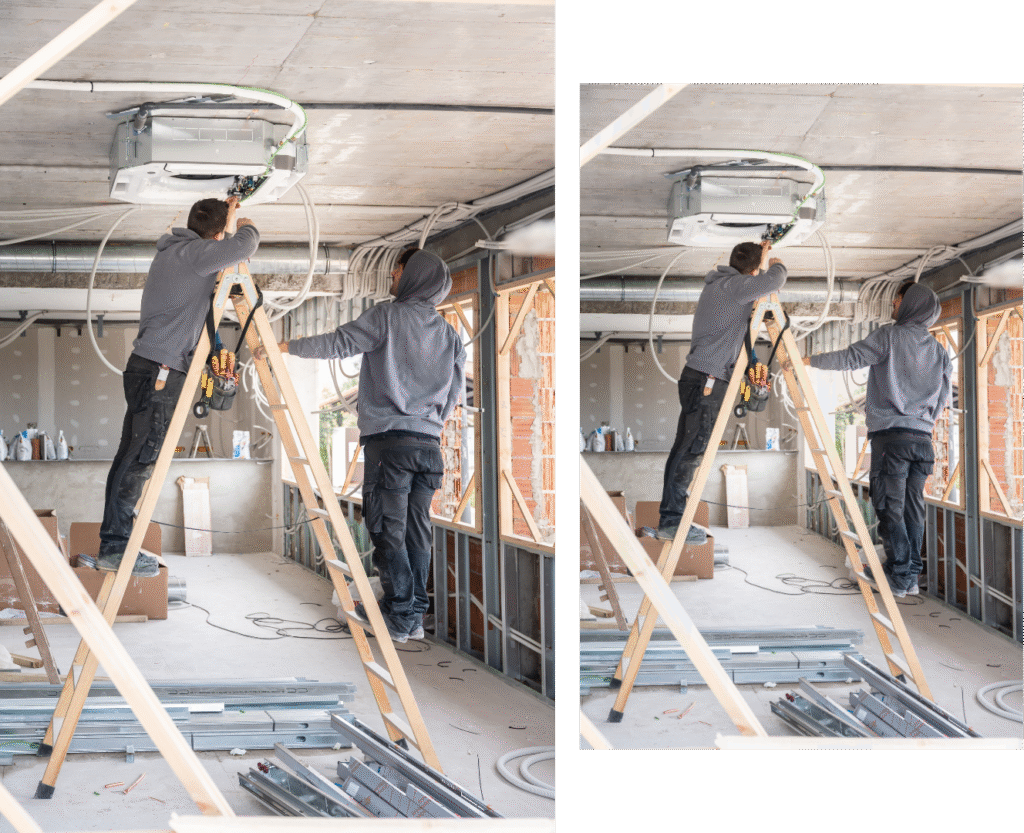
An accessible history is especially useful when an issue recurs or different technicians are involved: it helps retrieve what has already been checked and the actions taken previously.
3. Agree the time slot with the store manager
The technician’s availability needs to align with the store’s.
Some work can be carried out during trading hours. Other tasks require access before opening, after closing or during a quieter period. The decision depends on noise, areas that need to remain clear, potential utility interruptions and safety requirements.
Before confirming, agree who will meet the supplier, how long the work is expected to take and what might change during the job.
If the store is in a shopping centre, check its access and coordination requirements too. A confirmed visit must account for these restrictions.
4. Prepare access and documentation
On the day of the visit, the supplier should know where to report and whom to contact.
Depending on the site and the work, the supplier may need credentials, advance documentation, access to technical areas or authorisation to bring in tools and materials.
Confirming these requirements in advance avoids asking the store team to sort them out while the technician is already waiting at the door.
It is also worth flagging any specific restrictions: loading and unloading areas, access hours, storage space or routes that must be kept clear.
5. Communicate changes as the work progresses
A visit may take longer than expected or uncover a different issue. At those times, the client needs an accurate update.
A useful update explains what has been found, what work is under way and when the next update will be provided. If progress depends on something, such as a spare part or an authorisation, make that clear.
Sharing this context helps the store manager organise the team and anticipate possible changes to the day’s work.
Communication is part of coordination: it helps the store, head office and supplier work from the same information.
6. Verify the result and record any outstanding work
When the visit is complete, check that the installation is working and obtain confirmation from the store team.
The report should record the work completed, the outcome and any outstanding actions. If another visit is needed, specify who will coordinate it and what happens next.
This close-out provides traceability and prevents issues from being left unexplained or marked as resolved without checking the result.
A short checklist before each visit
Before confirming a visit, check:
- Issue described and priority assessed.
- Visit objective and scope agreed.
- Supplier and availability confirmed.
- Time slot agreed with the store manager.
- Access and documentation reviewed.
- Contact person and update channel agreed.
- Checks and reporting planned.
Resolving each point before the visit reduces the work the team needs to handle during the day.
Coordination supports operational continuity
Maintenance is part of a store’s day-to-day experience. Planning it properly allows work to be carried out with greater control while keeping the people who work there informed.
At Impulsa, we coordinate technical teams, suppliers and follow-up to support retail brands in keeping their stores running smoothly. Discover our services for retail space maintenance coordination.
If you would like to explore this topic further, we explain how to prepare the store for autumn.
Need help coordinating maintenance across several stores? Tell us what your network needs.
Impulsa. Security in every step.
🌐 impulsa-eu.com ✉️ incidencias@impulsa-eu.com 📞 +34 910 600 768